

Property proposals worth opening.
Pitch proposals and appraisals that win the listing, for commercial, industrial, land and residential work. Built from your agency's templates, checked before they go, and sent to the vendor as one live link.
Register agency interestAlready invited? Sign in
- Net and gross cap ratesWALE, rent benchmarking, passing and fully let.
- Facts from official recordsLINZ title, zoning, contours, services and flood maps.
- Koz, across the whole appDoes the work, finds things and answers questions.
- A Final check before it goesNo [TO CONFIRM] or mistyped figure gets out.
- The vendor presses Go aheadThen the agency agreement follows by link.
Sample proposals
Pick a sample that matches the properties you sell.
Four finished proposals from four made-up agencies, each with its own logo, fonts, colours and page style. Read it the way your vendor would, on any phone.
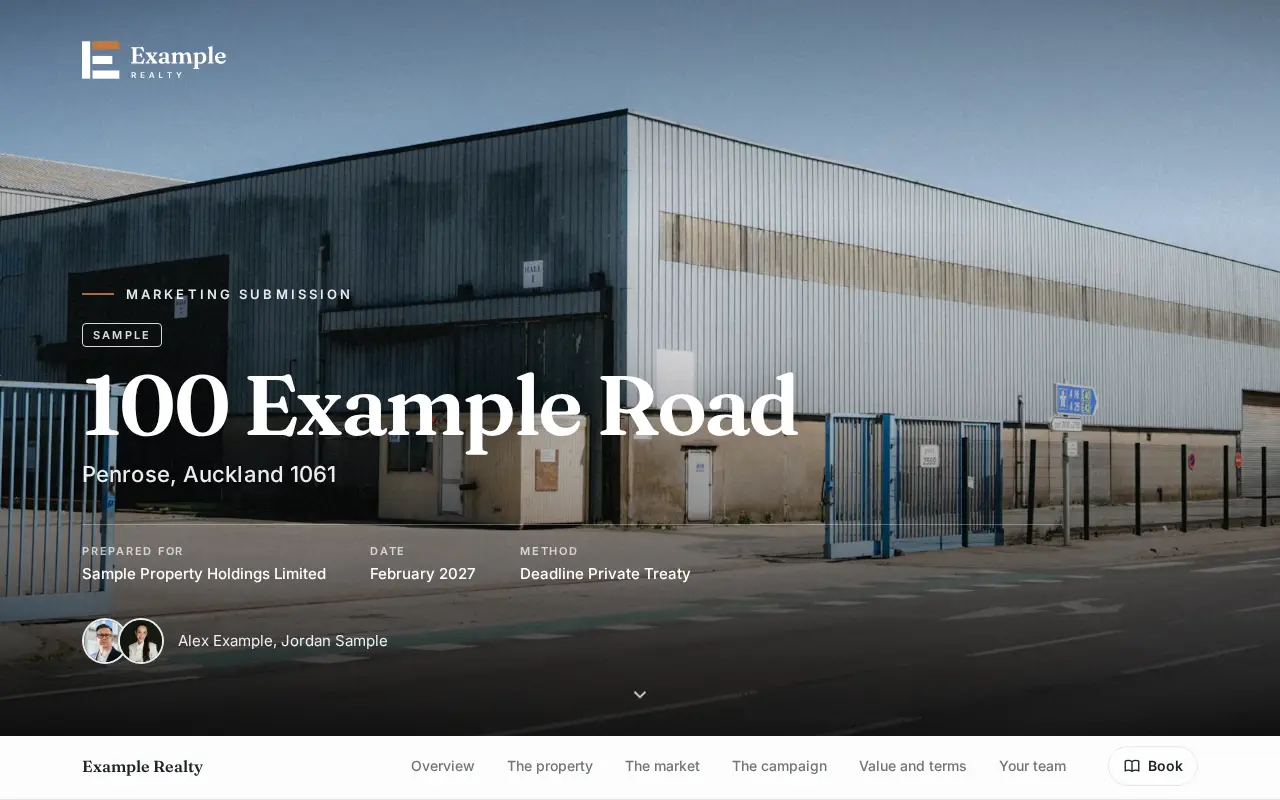
 Open the commercial sale sample
Commercial sale
100 Example Road, Penrose
An industrial investment with four tenancies. Tenancy schedule, WALE, cap rate on net passing income and sales evidence, each with its basis labelled. From Example Realty, a made-up agency.
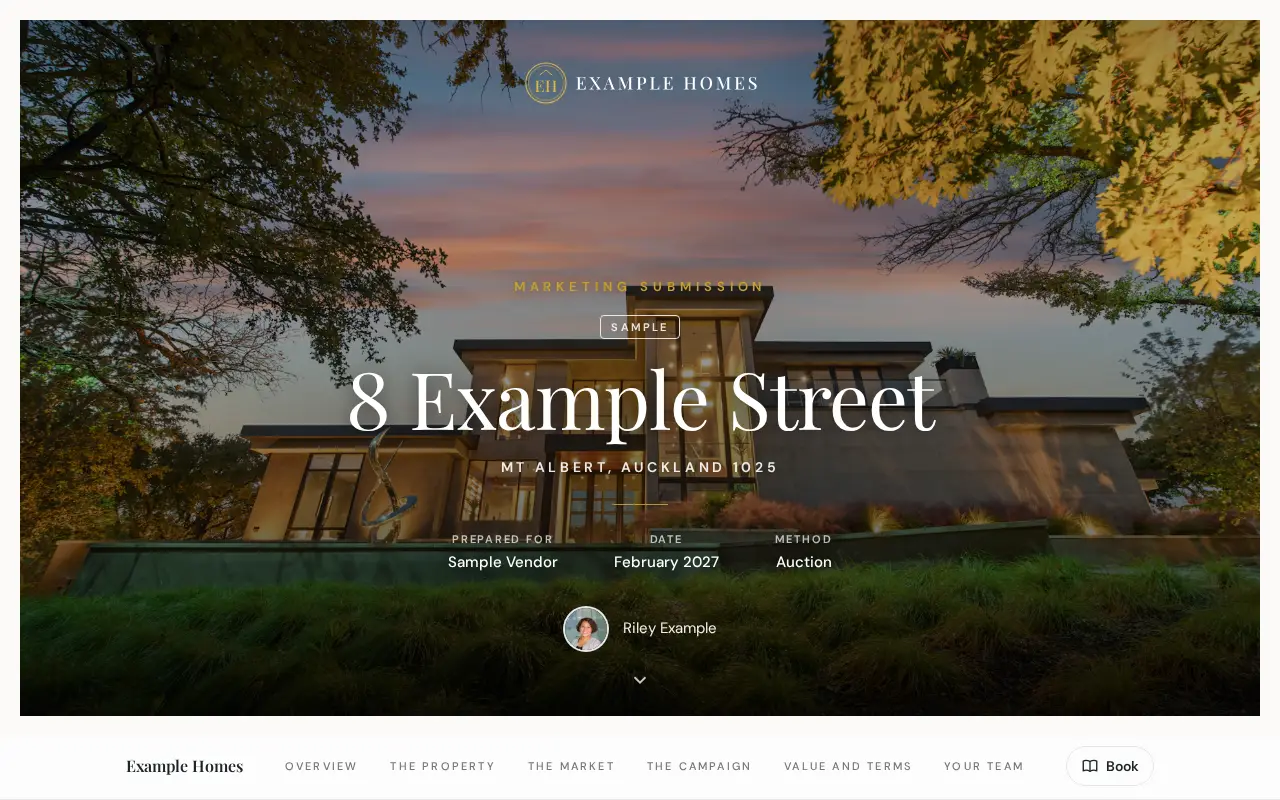
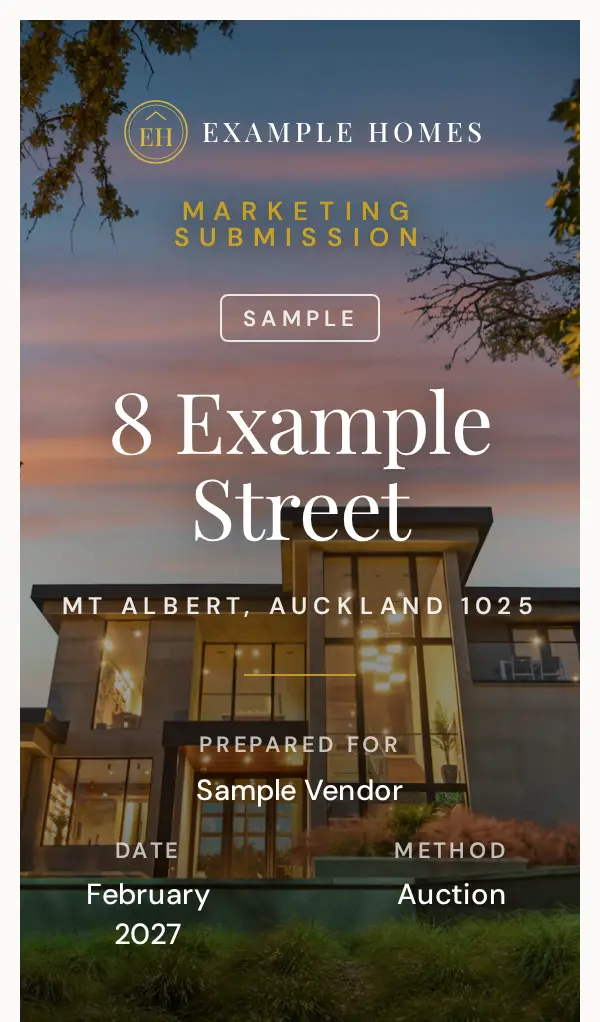 Open the residential sale sample
Residential sale
8 Example Street, Mt Albert
A renovated family home going to auction, with recent sales nearby and the campaign. From Example Homes, a made-up agency.
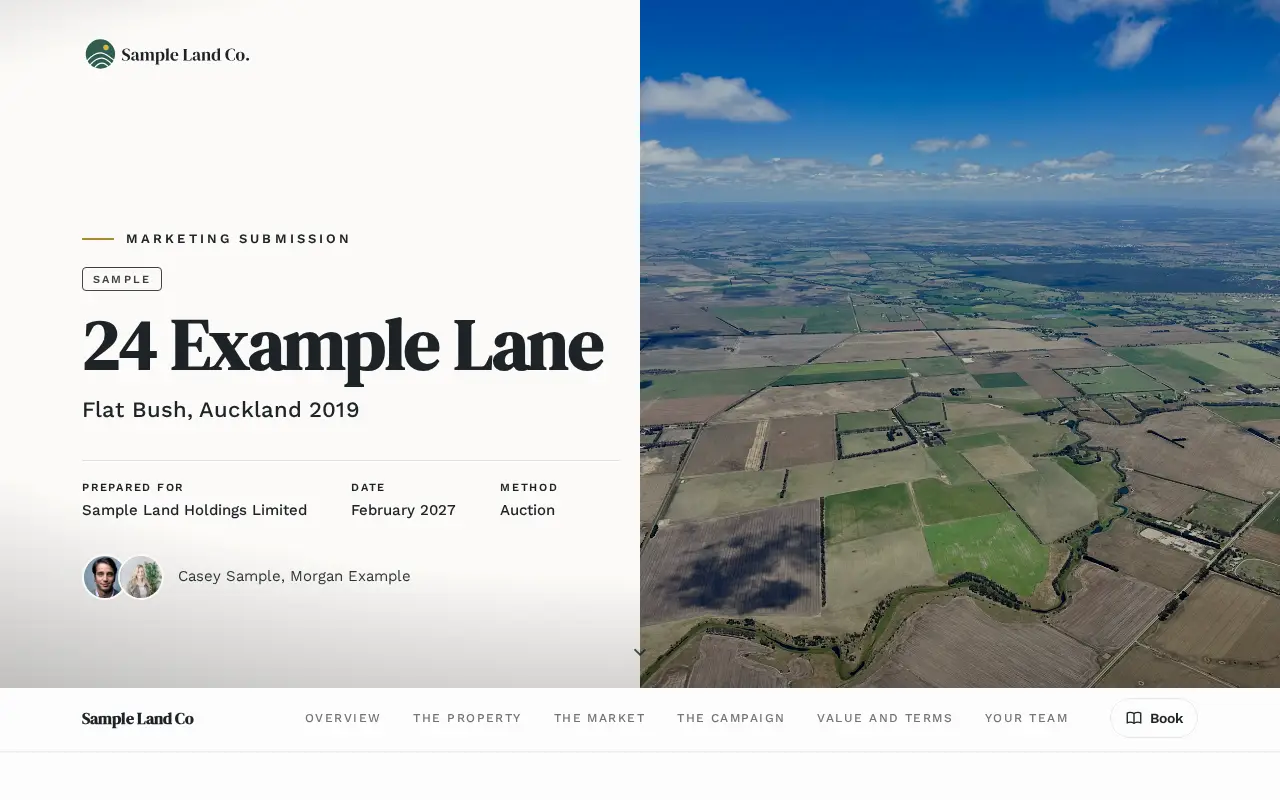
 Open the land and development sample
Land and development
24 Example Lane, Flat Bush
A 9,120 sqm development site: zoning, yield, sales evidence and the price range. From Sample Land Co, a made-up agency.
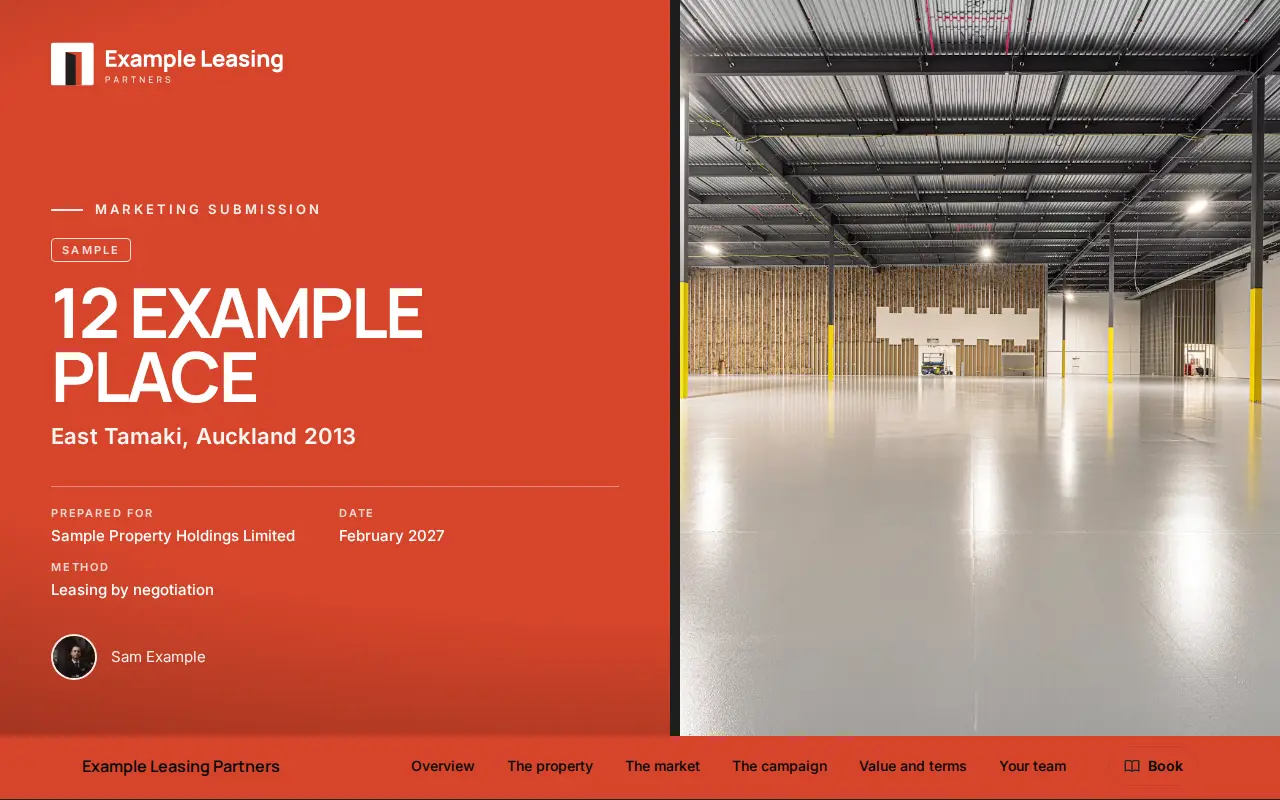
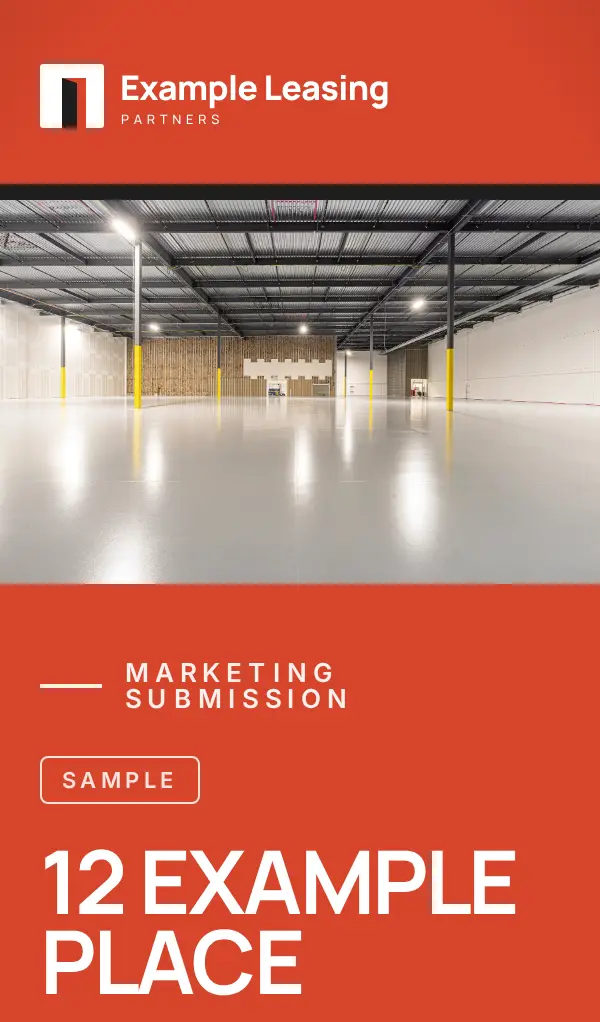 Open the commercial leasing sample
Commercial leasing
12 Example Place, East Tamaki
A vacant warehouse and office to let, with rent evidence, terms and incentives. From Example Leasing Partners, a made-up agency.
Private pilot
Want this for your agency?
Your brand, your templates and one live link for every vendor. Tell us about your agency and we'll be in touch about the pilot.
Every sector you sell
Homes to warehouses. One standard.
Residential, commercial, industrial, land and leasing. Each template carries the evidence that sector's vendors expect, laid out the way an investment deck would be.

Commercial
Tenancy schedule, WALE and a cap rate with its basis labelled, net or gross.

Residential
Recent sales nearby, the method and the campaign.

Industrial
Rent benchmarking and sales evidence, in every commercial proposal.
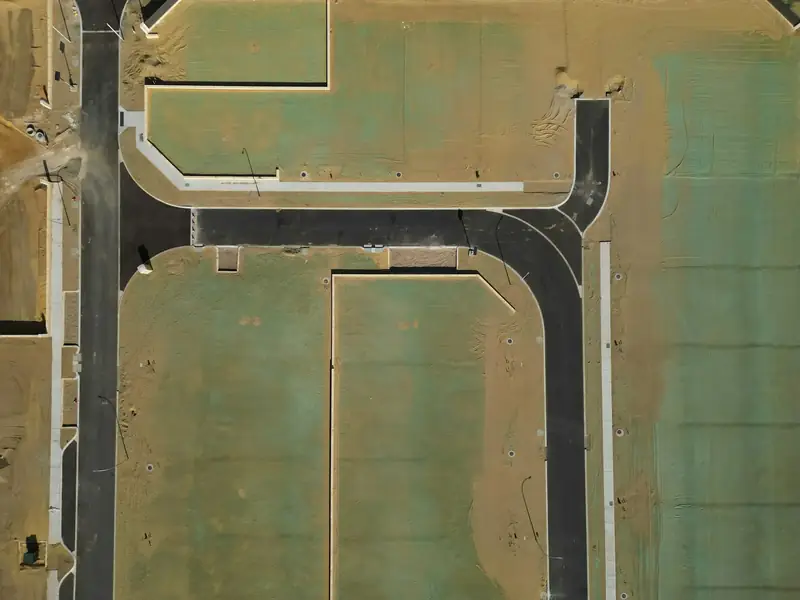
Land and development
Zoning, yield, sales evidence and the price.
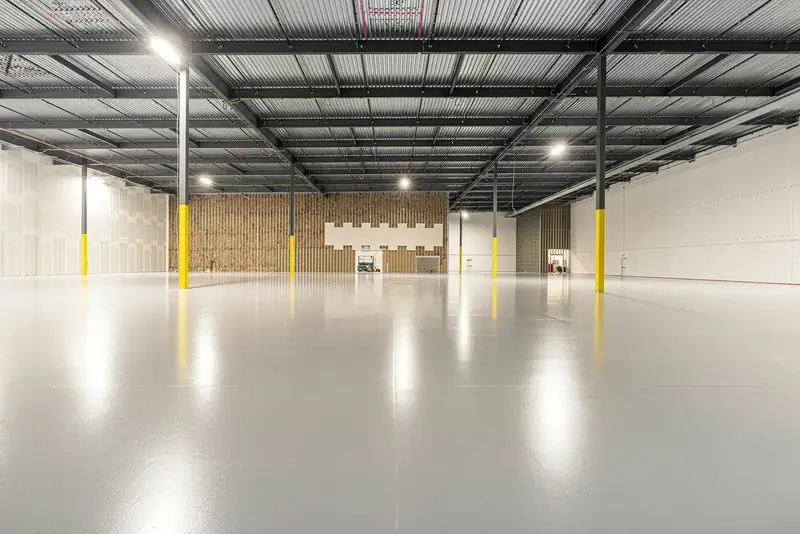
Leasing
Rent evidence, terms and incentives for the landlord.
Commercial depth
Built for the deals other tools leave out.
Commercial, industrial, land and mixed portfolios need more than a price and three photos. SharedView carries the method an investor expects, and works the numbers so the range, the rates and the dollars always agree.
- Cap rates, net or gross
- Capitalise on net income by default, or switch to gross. The basis is labelled on every figure, so nobody has to guess what a rate means.
- WALE by income or area
- The tenancy schedule works out the weighted lease term both ways. Choose which the vendor sees, labelled.
- Rent benchmarking, every time
- Every commercial proposal carries rent evidence and sales evidence side by side, each sale with its yield and its basis.
- Passing and fully let
- Lead with passing income. Show the fully let view at a softer rate, less downtime, rent free and the letting fee.
Filled in for you
Type the address. The facts and maps arrive with their sources.
Land area from the LINZ title, the zone and its planning rules, and the council's capital value split into land and improvements. Then the maps a buyer's adviser asks for, drawn on the aerial with your site outlined in yellow. Every fact shows where it came from and stays editable.
- Unitary Plan zoning
- Overlays, precincts and controls
- Site contours from LiDAR
- Water, wastewater and stormwater
- Flooding and overland flow paths
- Land area
- 7,200 sqm
- LINZ surveyed parcel
- Title and tenure
- Freehold
- LINZ record of title
- Zone
- Light Industry
- Auckland Unitary Plan
- Frontage
- 64 m, two roads
- Council planning
- Rating values
- CV, land, improvements
- Council rating valuation
Full council maps cover Auckland for now. Elsewhere, LINZ fills the title, tenure, land area and building footprint, zoning comes from the district plan for most main centres, and you add your own maps.
Build, approve and share
Template to vendor, in one sitting.
Most of a proposal is the same every time. SharedView fills that in, so your time goes on the parts only you can write: the price and the pitch.
- 01Build
Start from your agency's template.
Pick the template and the property. For Auckland addresses, land area, zoning and title fill in from council records. Your team, marketing plan and standard wording are already there, and Koz drafts the rest for you to edit.
- 02Approve
The numbers are always the agent's call.
Show a range, "upwards of" or one figure: whichever you prefer. The price and commission stay proposed until an agent approves them, so nothing unapproved reaches the vendor.
- 03Share
One live link. Updated in place.
Send one link. No app or login for the vendor. Change something and publish again: they keep the same link and see the update.
KozYour proposal helper. It does the heavy lifting, you make the calls. What Koz does
Before it goes
Nothing goes out with a gap in it.
The vendor sees your name on every page. SharedView checks the proposal before they do.
- Final check
- Every [TO CONFIRM] and every gap has to be filled before you can publish. Nothing half-finished reaches a vendor.
- Mistyped figures
- A rate that doesn't match the dollars, or a range that doesn't add up, stops the send, with a one-tap fix.
- Proposal score
- A score out of 100 with tips that take you straight to what needs work.
- Team reviews
- Send a proposal for review. Reviewers approve, request changes or leave a note pinned to the section it's about.

Ask Koz
Your proposal helper, across the whole app.
It does the heavy lifting. You make the calls.
Ask Koz to do something, find something or explain something, in plain words. It works on the page with you, never sets the price or the commission, and keeps a chat for each proposal so you can pick up where you left off or start fresh.

- 01
Does the work, anywhere in the app
Starts a draft, edits any section, switches sections on and off and changes the style. Just ask.
- 02
Takes you there
“Show me the price step.” Koz opens the right page and tells you what to do on it.
- 03
Answers questions
“What's still missing?” Koz checks every step. “Find my Picton Street proposal.” Done.
- 04
Researches official sources
Zoning rules, nearby schools and stations, the cash rate and building costs, each with its source. Sales only from the ones you give it.
- 05
Fills forms and agreements
Your agency agreement and conjunctional agreement, filled in from the proposal, ready to check and send.
- 06
Files what you upload
Photos, plans, leases, price lists or a page of testimonials. Koz reads each one and puts it where it belongs.
Whole proposals, start to finish
Give Koz the address and the brief, and it builds the whole proposal, several at once, while you get on with your day. Progress shows live on your dashboard.
Built around your brand
Your brand, not ours. Every agency gets its own look.
Your logo, fonts, colours and layout, set up once, so every proposal is unmistakably yours. Here is one proposal in four example agencies' looks. Yours will look like nothing else, with nine page styles to start from.
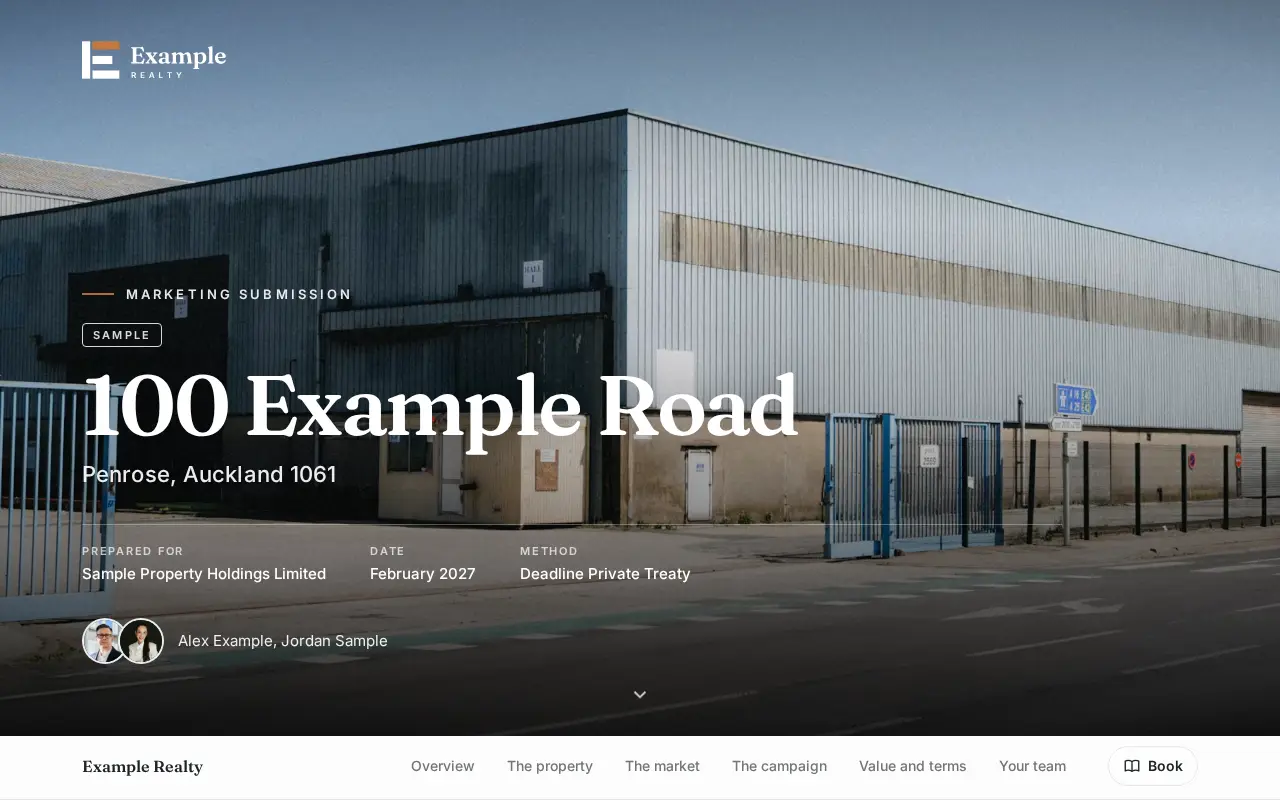
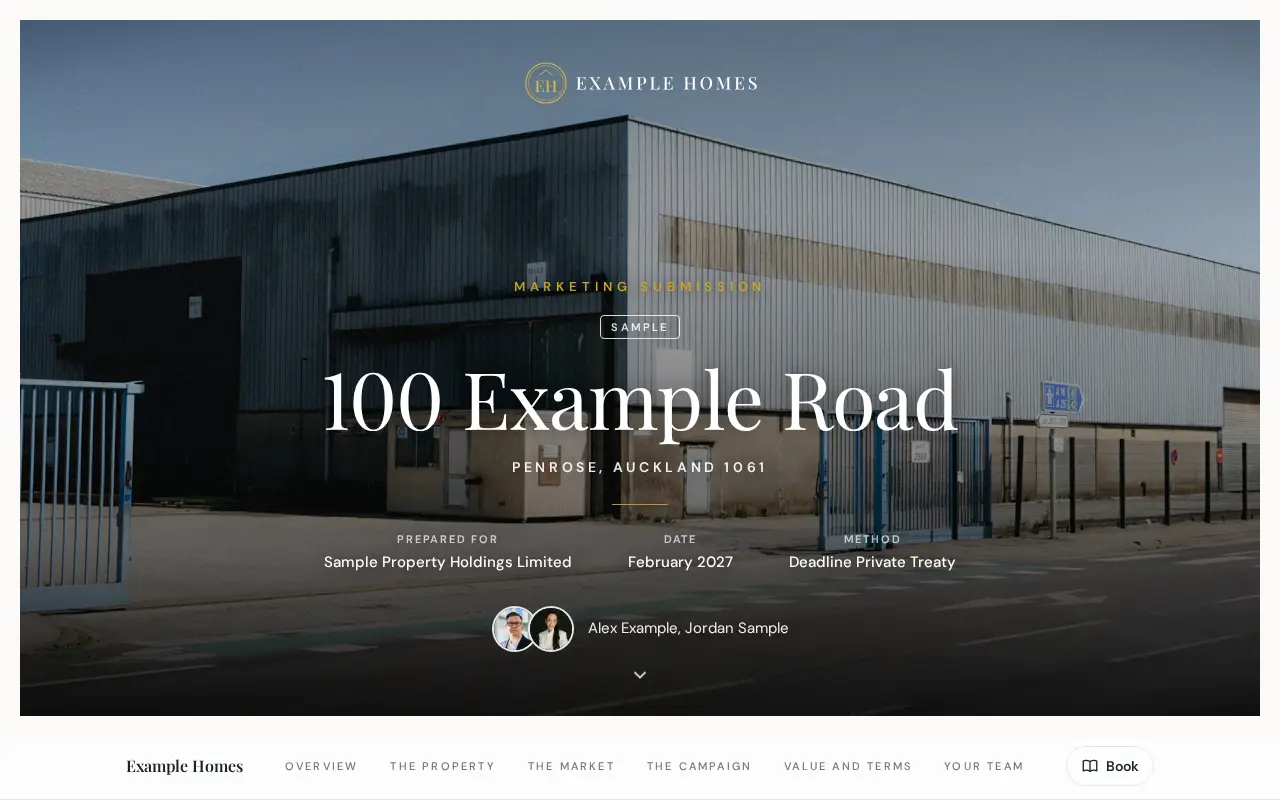
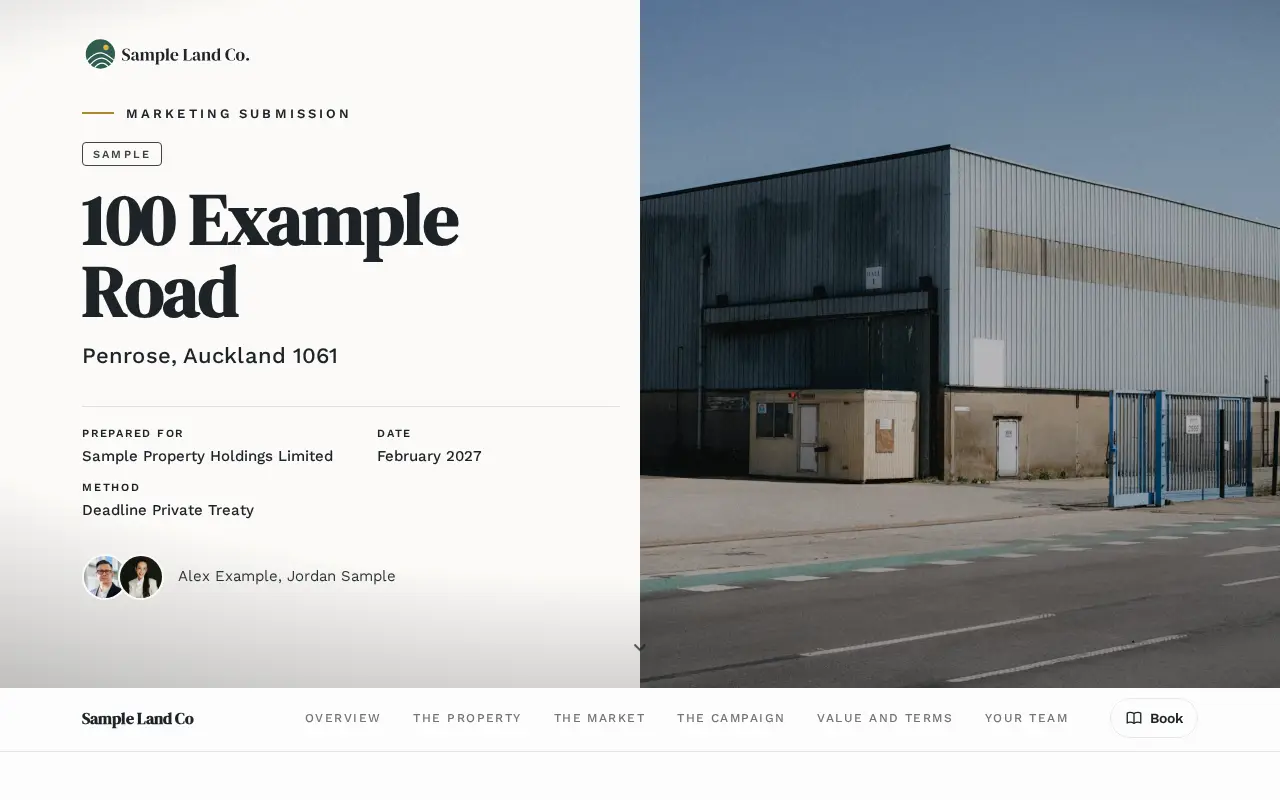
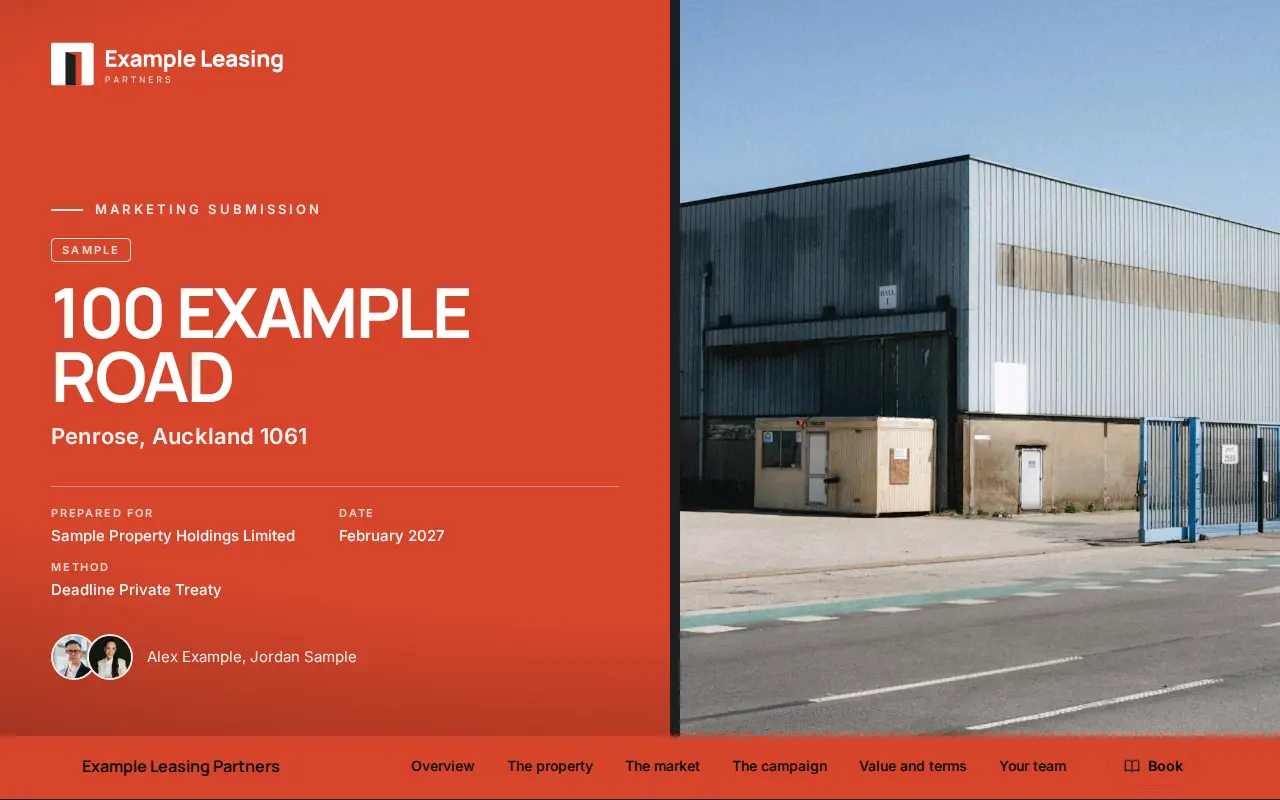
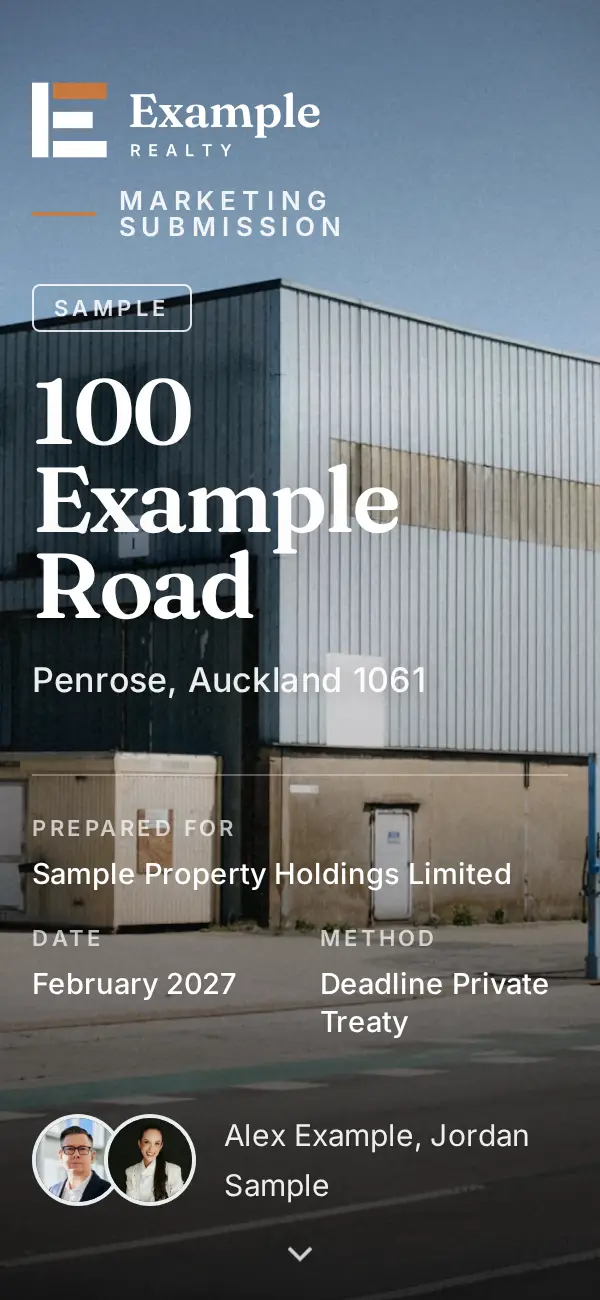
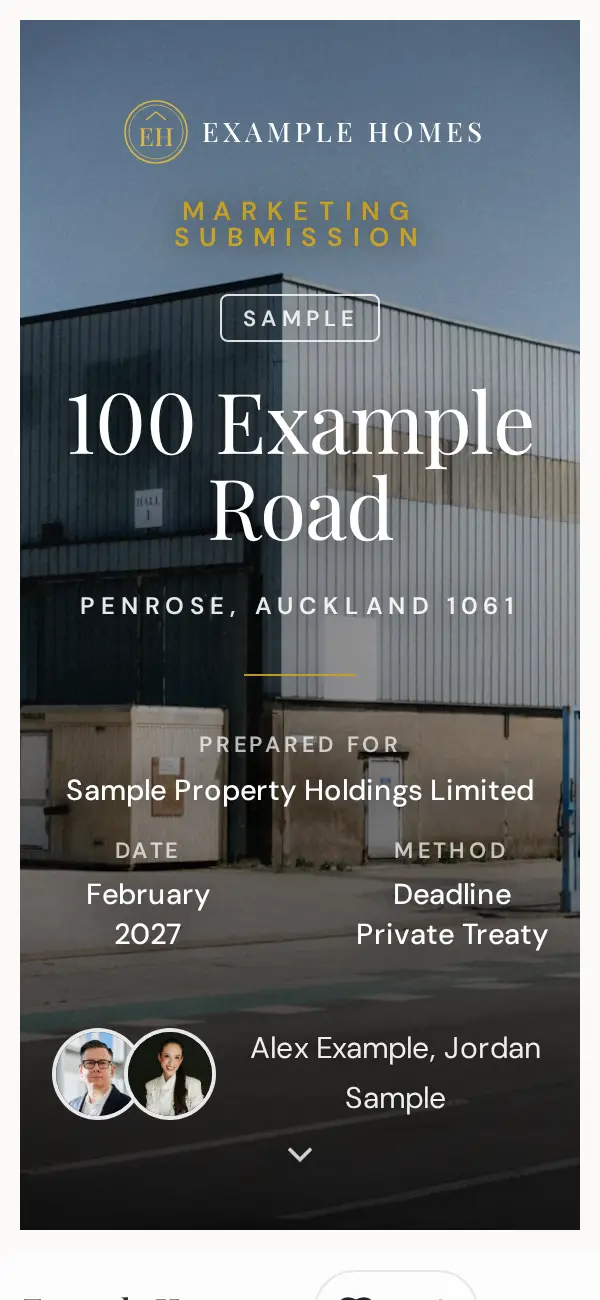
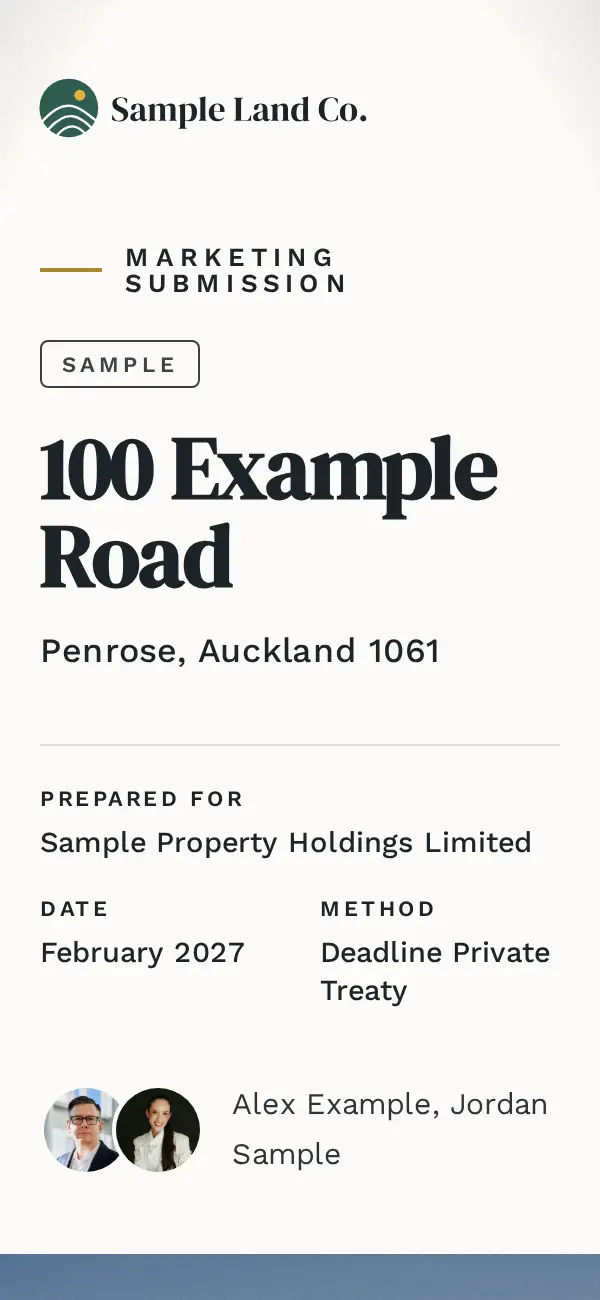

Example Realty · Classic style · Fraunces and Inter · opens as a book
Four examples only, using made-up agencies and a made-up property. Every agency gets its own look.
- Brand locked
- Logo, colours and fonts are set once. Any later change needs approval.
- Your templates
- Turn sections on and off, reorder them and write your own wording.
- Roles
- Agents see their own proposals. Office managers and support staff see the agency's.
- Your own web address
- With the white label add-on, links sit on your agency's address, with no mention of SharedView.
When the vendor is ready
From the pitch to “Go ahead”, in the same link.
The vendor doesn't have to ring you to say yes. They choose, they press a button, and you hear about it straight away.
Choose
Your recommendation, plus up to two packages.
The vendor taps between the marketing options and sees each one's lines and total.
Agree
The agency agreement, filled in and sent by link.
Your own agreement and conjunctional agreement, filled from the proposal and sent by a tracked link. You see when it's opened.
Sign online, with the marketing investment
Coming soonIn their language
A Chinese version for the vendor.
Koz translates the proposal into Simplified Chinese with a New Zealand property glossary, and learns from every correction your agents make.

After you send it
Know when the vendor reads it.
Every link reports back to the agent. Your own previews and your team's devices never count.
- Opens
- When each link is opened, and how many times.
- Sections read
- Which parts were read, and for how long.
- Came back
- When the vendor returns for another look.
- New device
- Opened on another device, which often means it was passed on. Labelled likely, never certain.
- Alerts
- Know the moment a vendor opens your proposal, returns to it, or shares it. Choose push, email or both.
Also included
The details that save an afternoon.
- Track record that fitsYour past sales, filtered and sorted, with Suggest best matches for the property in front of you.
- Testimonials in bulkImport from files, screenshots or a paste, tag them, and get suggestions for each proposal.
- Short form or long formSwitch between them in one tap. Nothing you have written is lost.
- An app on every phoneInstall it from the browser, with alerts the moment a vendor starts reading.
- Your look in minutesUpload your logo and brand guide. Colours and fonts come from it, then lock.
- Fast, on any connectionPages, maps and pictures load quickly, even on a phone in a car park.
Pricing
Priced per seat. Set up once.
One plan with everything in it, priced by the seat, plus add-ons when you want them.
Base
NZD, plus GST
Everything SharedView does, for your whole office, on your brand.
Commercial agent seat
Agents selling or leasing commercial, industrial and development property.
$119 a month
or $99 a month, paid yearly
$99 a month
$1,188 billed yearly
Residential agent seat
Agents selling homes, lifestyle and residential sections.
$69 a month
or $59 a month, paid yearly
$59 a month
$708 billed yearly
Support seat
Office managers, PAs, marketing and admins who prepare proposals for agents.
$35 a month
or $29 a month, paid yearly
$29 a month
$348 billed yearly
Office set-up
Once per office, paid upfront. We load your brand and templates, and set up your team.
$990 one-off
Minimum 3 agent seats per office. Everyone who signs in has a seat; vendors, and anyone else you send a proposal link to, never need one.
Every Base workspace includes
- Koz, your proposal helper, with a monthly allowance of proposal helps per seat
- One brand: your logo, colours, fonts and page style
- Your own brand guide, built from your brand, in Word and PDF
- Your agency's templates, loaded for you at set-up
- Commercial depth: net and gross cap rates, WALE, rent benchmarking
- Facts from LINZ and Auckland Council, with planning maps
- Final check and a proposal score before anything is sent
- Live vendor links with views, reading time and forwarded viewers
- Agency agreements filled in from the proposal, sent by tracked link
- Chinese version of any proposal
Plan terms
- No free trial. Try the sample proposals and the demo before you sign up.
- The office set-up fee is paid upfront, before onboarding starts, and isn't refundable.
- Onboarding starts once you've sent everything on the set-up checklist: logo, brand files, templates and your team list.
- Monthly plans have a 6-month minimum term, then run month to month.
- Yearly plans are paid upfront at the lower rate.
Add-ons
White label
Proposal links on your agency's own web address, with no mention of SharedView anywhere your vendor looks.
$250 per brand, a month
Unlimited proposal helps
Your proposal helper with up to 30 helps a month per agent, for the agents who use Koz the most. Each help after that is $2.70.
$59 per agent seat, a month
Coaching academy
Rehearse every pitch before you're at the kitchen table. Koz plays the owner and raises the fee, price and method objections agents really hear, then scores the answers and gives better lines. Quick drills and short courses too.
$49 per agent seat, a month
Extra division brand
A second look for a division, such as a leasing or projects team, in the same workspace. Seats carry across brands.
$149 per brand, a month
plus $495 one-off set-up
Brand guide, finished for you
Every workspace gets its own brand guide. We check it against your material, make one round of changes with your marketing team and hand back the Final guide in Word and PDF.
$750 one-off, per brand
Questions agencies ask
What is SharedView?
SharedView is a pitch proposal and appraisal tool for New Zealand real estate agencies. Agents build branded proposals from their agency's templates, check them before they go, and send the vendor one live link that reports back when it's read. It also sends agency agreements, filled in from the proposal, by tracked link.
Which kinds of property does it cover?
Commercial, industrial, land and development, residential and leasing. Commercial proposals carry a tenancy schedule, WALE by income or area, rent benchmarking, sales evidence with yields, and a capitalisation approach on net or gross income, with the basis labelled.
Where do the property facts come from?
Land area and title come from LINZ. For Auckland addresses, zoning, planning rules and rating values (capital value split into land and improvements) come from Auckland Council, with maps drawn on the aerial: Unitary Plan zoning, overlays, precincts and controls, site contours, water, wastewater and stormwater, and flooding and overland flow paths. Anywhere in New Zealand, LINZ fills the address, title, tenure, land area and building footprint, and zoning comes from the district plan maps of Wellington, Christchurch, Hamilton, Tauranga, Dunedin and other councils (more being added). Every fact shows its source and date and stays editable.
Who in the office can use it?
Everyone you invite: agents, support staff and office managers, plus admins who look after templates, branding and logins. Agents see their own proposals; office managers and admins see every proposal in the agency.
How much does SharedView cost?
SharedView is priced per seat, in NZD plus GST: commercial agent seats are $119 a month ($99 a month paid yearly); residential agent seats are $69 a month ($59 a month paid yearly); support seats are $35 a month ($29 a month paid yearly). There is a one-off office set-up of $990, and a minimum of 3 agent seats per office. White label, Unlimited proposal helps and extra division brands are add-ons.
Is there a free trial?
No. Open the sample proposals and watch the demo to see exactly what you get. The office set-up fee is paid upfront, before onboarding starts, and isn't refundable. Monthly plans have a 6-month minimum term, then run month to month; yearly plans are paid upfront at the lower rate.
Who needs a seat?
Everyone who signs in. Admins, office managers and support staff often draft and produce proposals on an agent's behalf, so each of them has a seat. Vendors, and anyone else you send a proposal link to, never need one.
What happens when I change a proposal after sending it?
Edit it as a draft, then publish again. The vendor keeps the same link. Until you publish, they see the last approved version; after, they see the update. If you change the value range or commission, it needs approving again first.
Does it handle commercial proposals?
Yes. Commercial templates include a tenancy schedule, rent evidence, sales evidence with yields, and an appraisal built on capitalised income, with the basis (net or gross) labelled. The sample proposal is a commercial one.
What can Koz do?
Koz is your proposal helper. It edits the proposal on the page, researches location and planning facts from official sources, fills your agency agreement from the proposal, files what you upload, and builds whole proposals from an address and a brief, several at once. It only uses the sales you give it for that proposal, and it never sets the price or the commission: those stay the agent's call.
Can the vendor sign online?
The agency agreement and conjunctional agreement go to the vendor by a tracked link today. Signing online, together with the marketing investment, is coming soon.
Can vendors get a PDF?
Yes, when you attach one. The vendor downloads it from their link. You can ask for a name and email first, and each copy can be marked with who downloaded it.
Is it a CRM?
No. SharedView is for appraisals, pitch proposals and agency agreements. Your contacts and listings stay in your CRM.
How does onboarding work?
We're working with a small number of agencies during the private pilot. Register your interest and we'll be in touch when a place opens. Setting up covers your branding, your templates and your team, then your first proposal.

See what your vendor sees.
SharedView is in a private agency pilot. Open a sample, then tell us about your agency.